


This article outlines how to view event logs and get diagnostic information if you experience an error while using AutoInstall SSL.
To access logs use the “diagnostic” sub-command:
On Linux:
sudo runautoinstallssl.sh diagnosticWindows:
AutoInstallSSL.exe diagnosticThen select the date you want to export logs for (example below is for Linux):
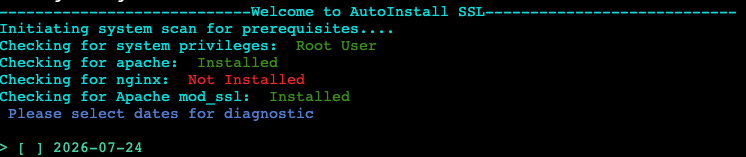
AutoInstall SSL will package the logs into a zip folder and provide you with the path on your server where the file is located.

Note: Example screenshots above are for a Linux server.